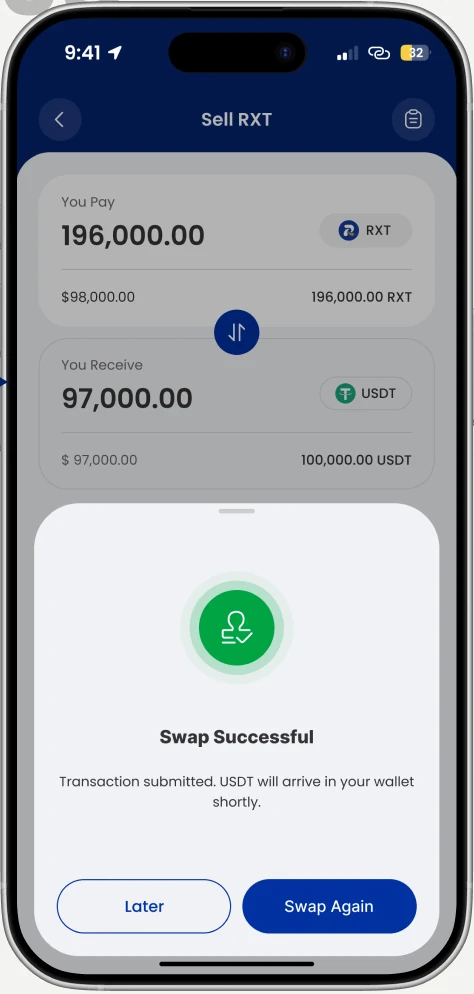
RXT to USDT Swap
Review your quote
Screenshots show example amounts. Before confirming, check the amount, fees and estimated USDT shown in your app.
Submit an RXT-to-USDT Swap Request
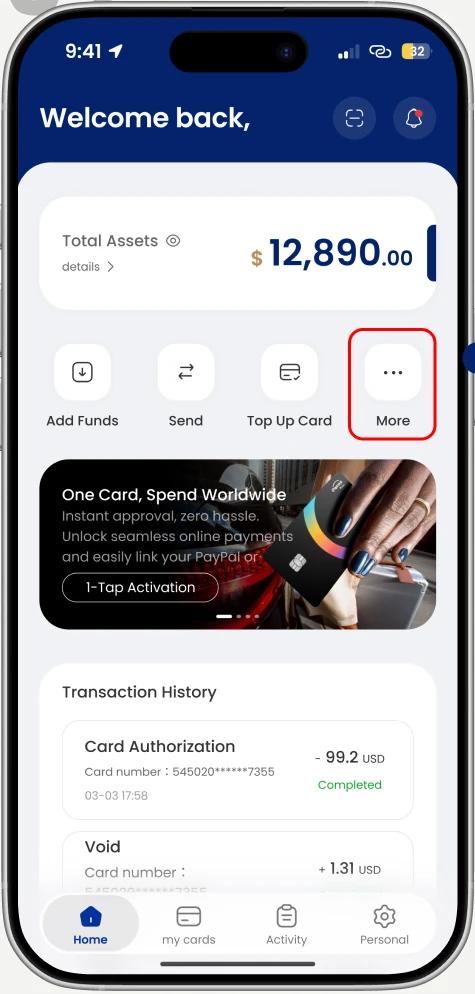
Open More
Open PerasPay and tap More on the home screen.
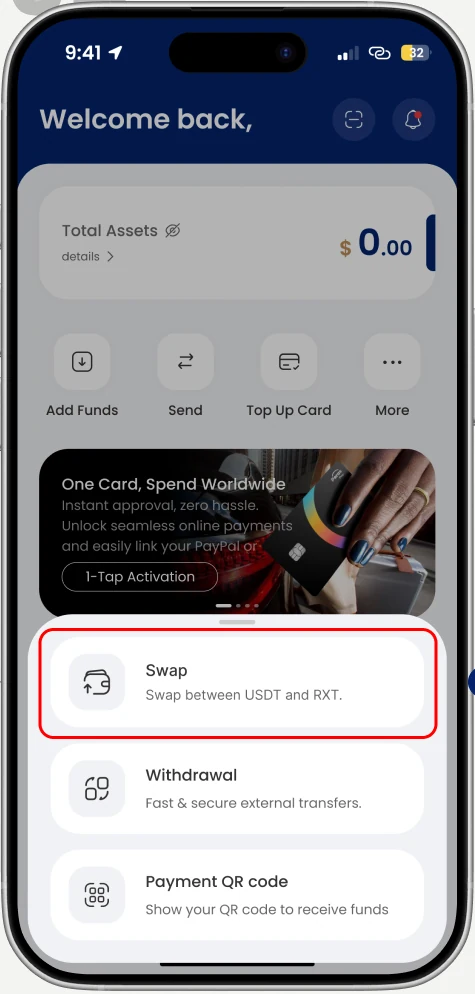
Choose Swap
Select Swap to open the swap page.
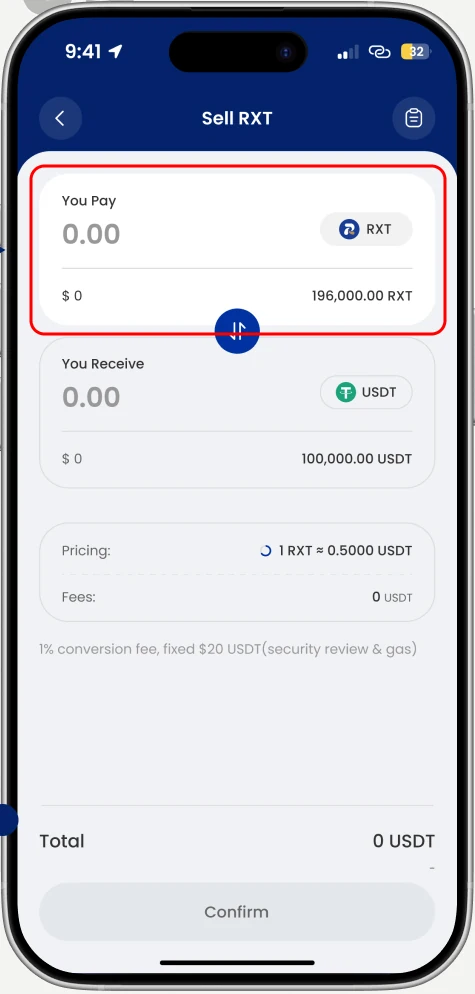
Enter the amount of RXT
Enter the amount to swap. The app shows the estimated amount you’ll receive. The switch icon changes which asset you pay and which you receive.
Check the amount and fees
Review the USDT amount and applicable fees, then tap Confirm to continue.
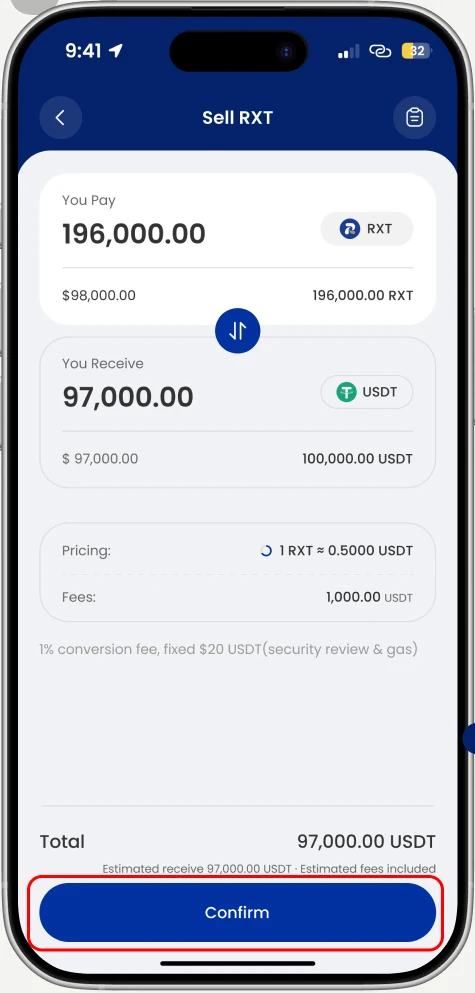
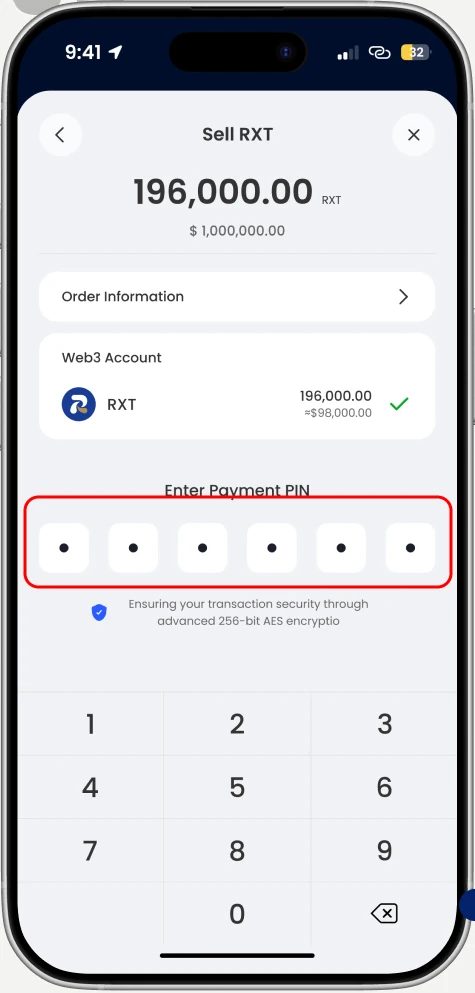
Enter your payment PIN
Enter your payment PIN to confirm the transaction.
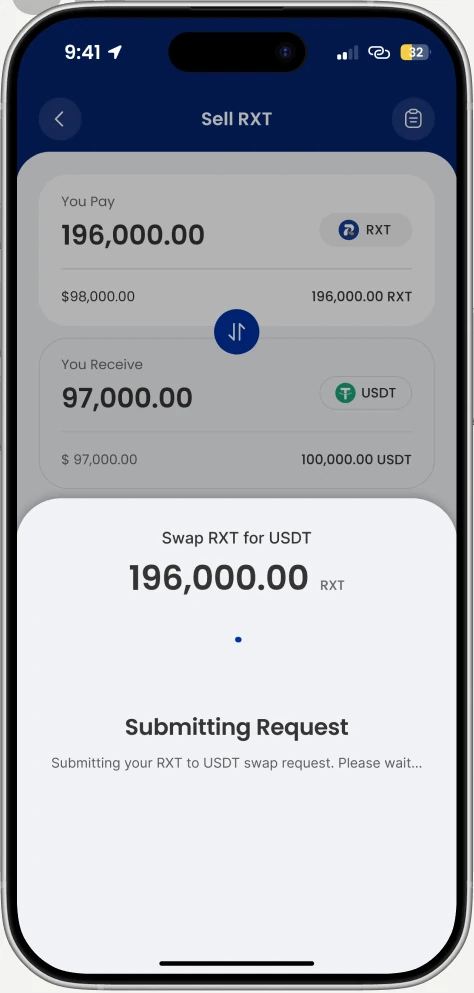
Submit the request
Once the PIN is verified, the app submits your swap request.
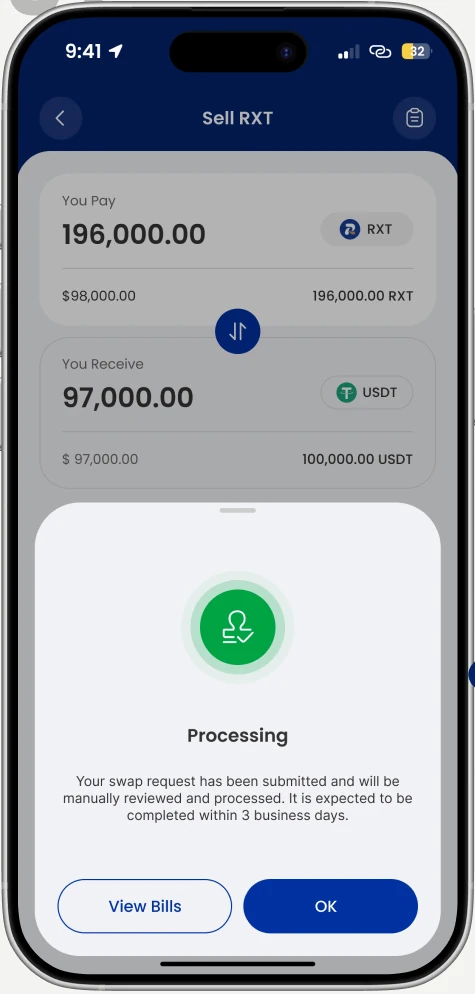
Follow the review
Review and processing are expected to complete within three business days. Open Bills to check the transaction details.
Check that your USDT arrived
PerasPay notifies you when the swap is complete. In Bills, check the credited amount.