PerasPay App Download and Registration Guide
On iPhone, prepare a U.S. App Store account and sign in to the App Store with it. Android users can skip this preparation.
Download PerasPay from the App Store
Open the U.S. App Store listingOpen the App Store
Open the App Store on your iPhone.
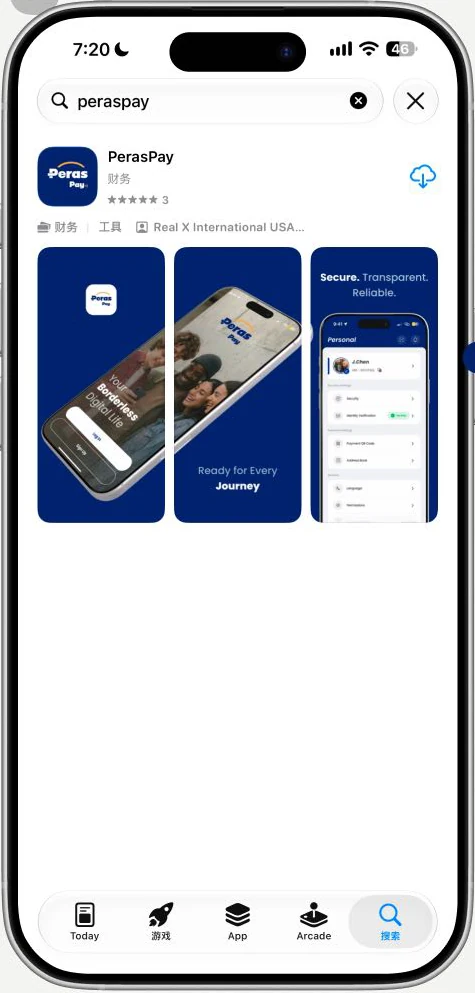
Search for PerasPay
Type “PerasPay” in the search bar and select the app.

Download the app
Tap Get or the download icon on the PerasPay listing.

Open PerasPay
When the download finishes, open PerasPay from the App Store or the home screen.


Create a PerasPay Account
Start registration
Open PerasPay and tap Sign Up at the bottom of the welcome screen.

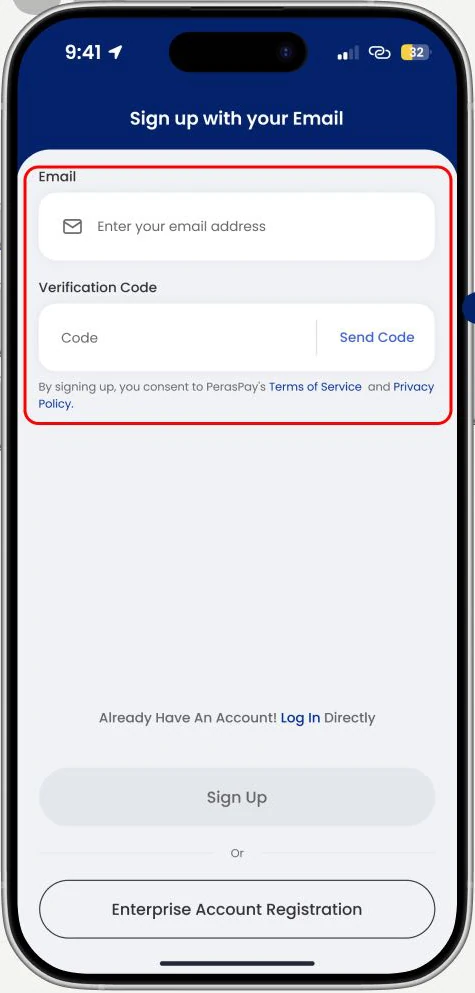
Request a verification code
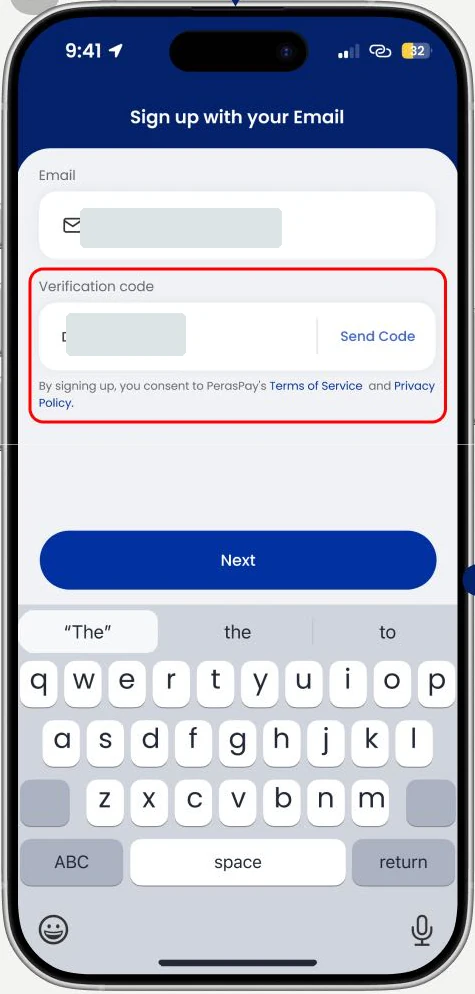
Enter your usual email address in Email and tap Send code.
Check your email
Open your inbox to retrieve the six-character verification code.
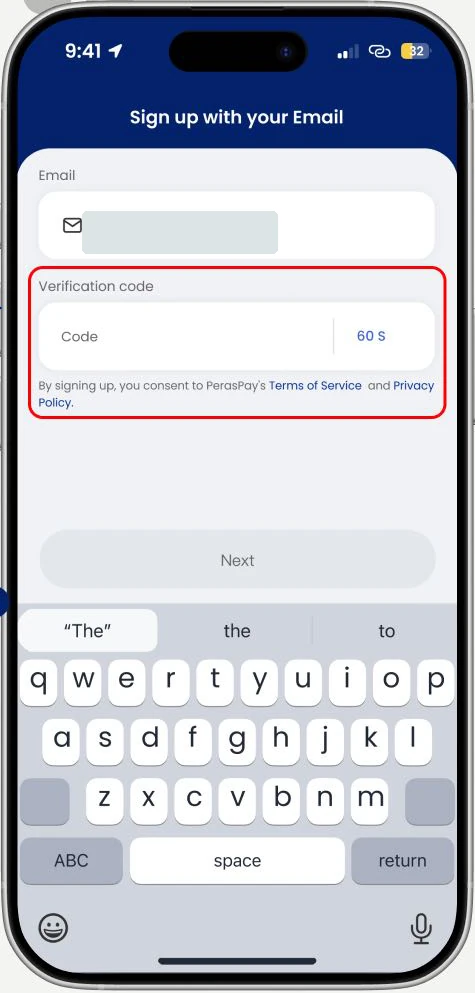
Enter the verification code
Enter it in Verification Code and tap Next.
Set a login password
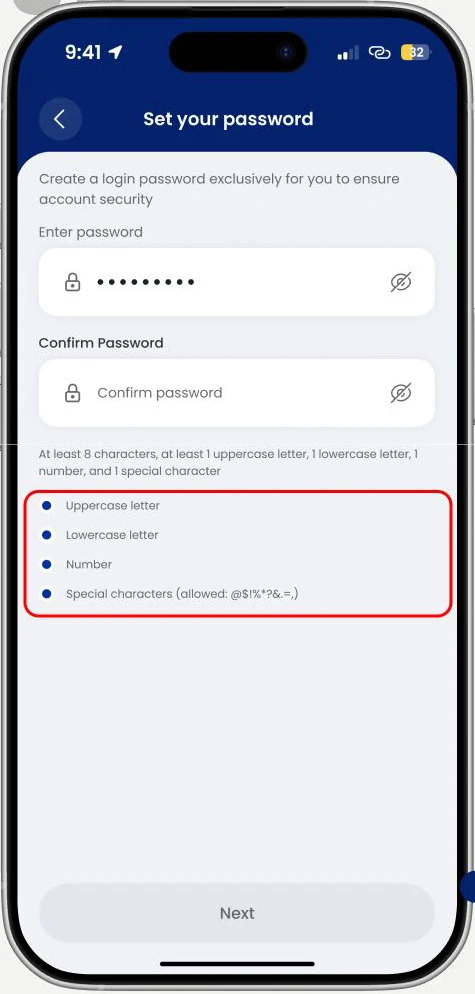
Use at least one special character such as @, one uppercase letter, one lowercase letter and one number. Tap Next when finished.
Set a payment PIN
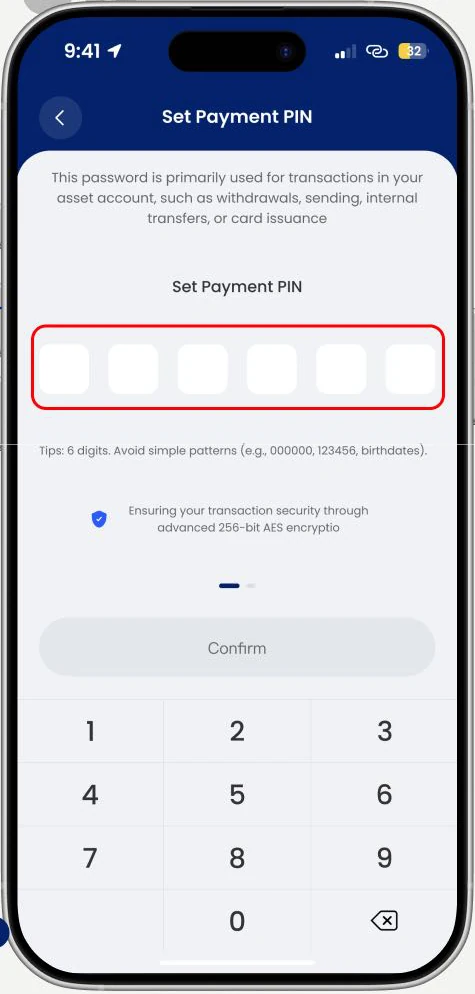
Choose a six-digit PIN for your asset account. Easily guessed combinations such as 123456 are disallowed.
Confirm the payment PIN
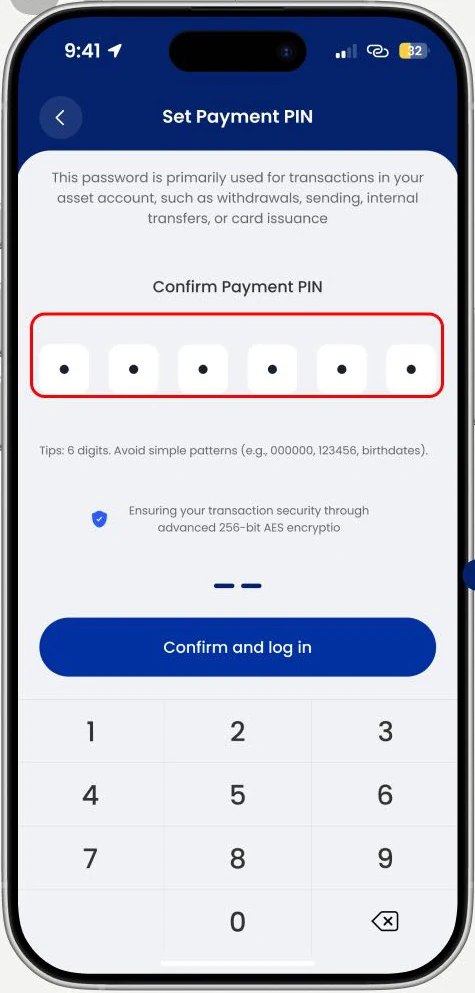
Enter the PIN again to confirm it.
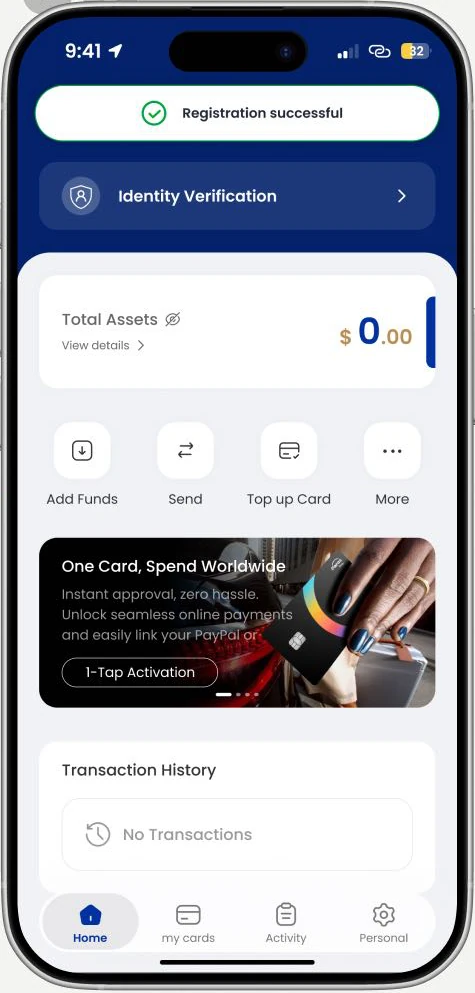
View your account
Once registration succeeds, you can view and manage your assets from the home screen.
Log In to Your PerasPay Account
Open the login screen
Open PerasPay and tap Log in at the bottom of the welcome screen.

Enter your email address
In Email, enter the address you registered with.
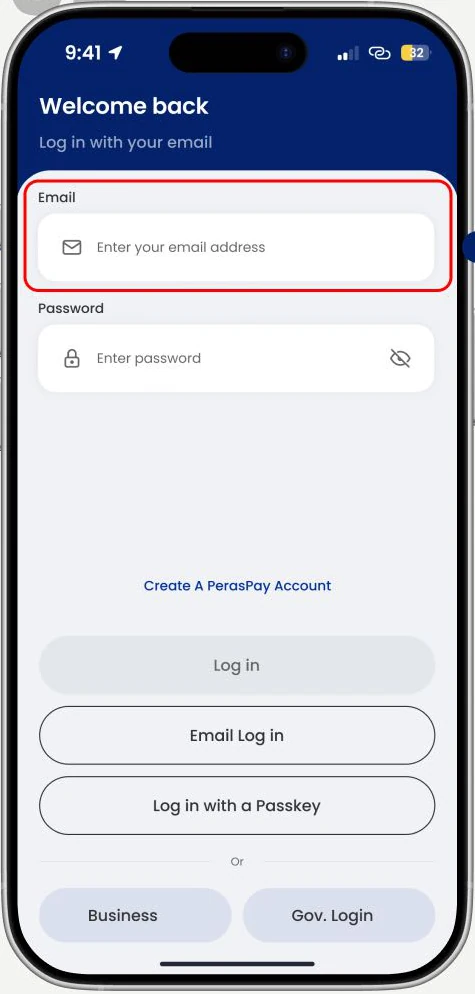
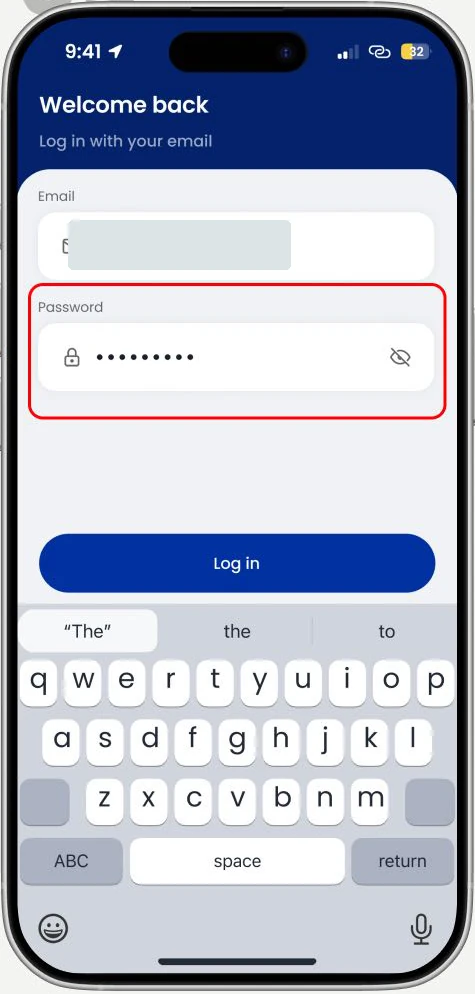
Enter your password
Fill in Password and tap Log in.